
Advanced Property Search For Austin

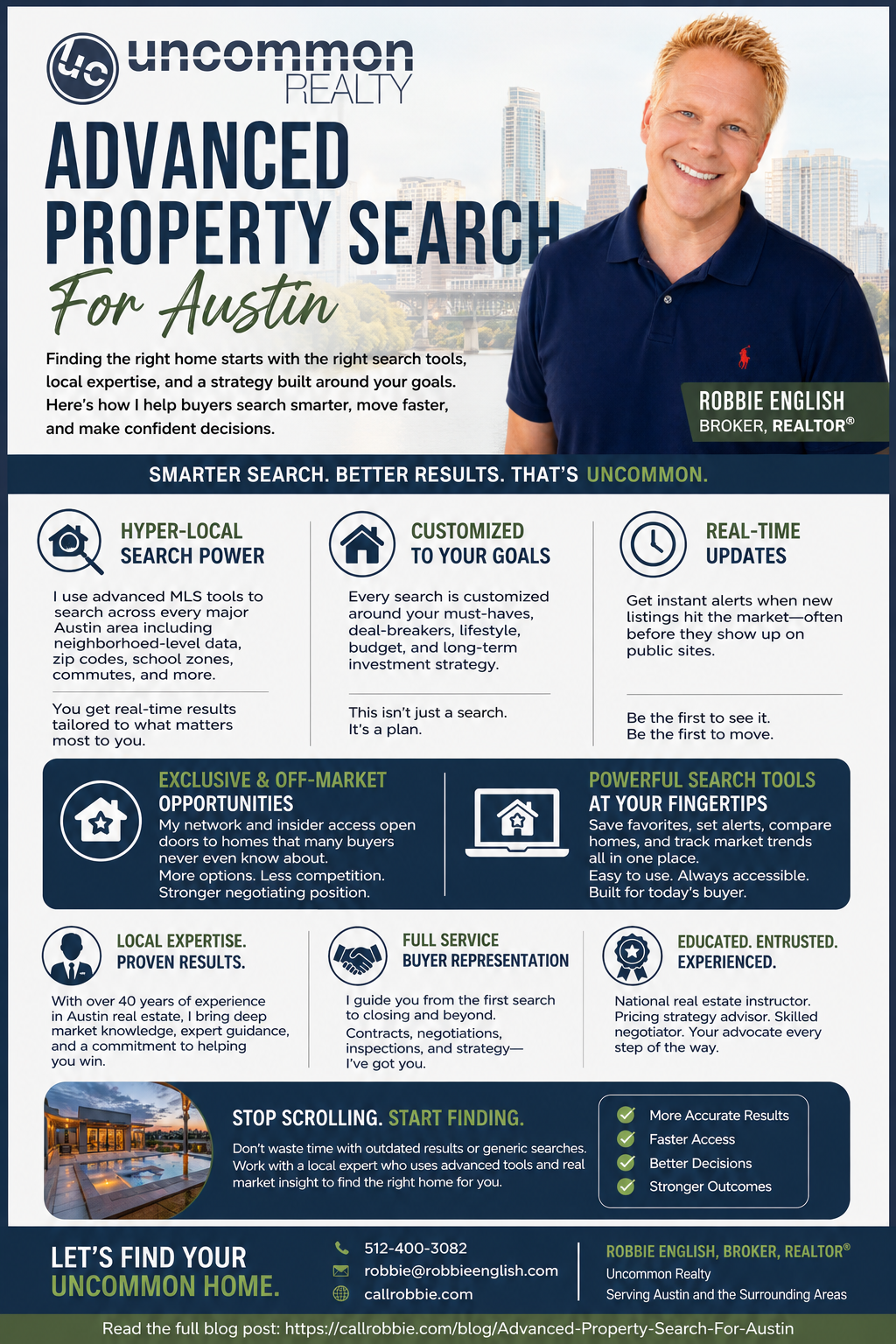
An advanced property search in Austin should do more than filter by price and bedroom count. Here's what real MLS-level search actually offers, and how to use the filters that most people never touch.

I'm Robbie English, Broker, REALTOR with Uncommon Realty. Most public home-search sites show you a simplified version of what's actually searchable — here's what you're missing and how to use it.
Public Sites vs. MLS-Level Search
Public real estate portals pull MLS data but often display it with a delay and a stripped-down filter set. MLS-connected search tools (the kind I give clients access to) show listings closer to real time and expose a much deeper set of filters — the difference matters most when a well-priced home hits the market, since the gap between public-site visibility and MLS-level visibility can be the difference between touring it same-day or finding out it's already under contract.
Filters Most Buyers Never Use
Beyond the basics (price, beds, baths, square footage), a few filters genuinely change how effective your search is: days on market (a home sitting 60+ days often has more negotiating room than a fresh listing), price-per-square-foot (a better comparison tool across different-sized homes than total price alone), price-reduction history (flags sellers who've already signaled flexibility), lot size and year built (useful proxies for renovation needs and yard space that raw square footage doesn't capture), and specific feature filters like pool, garage count, single-story, or waterfront that most public sites bury or omit entirely.
Saving Searches vs. One-Time Searching
A one-time search only shows you what exists right now. A saved search with real-time or near-real-time alerts is what actually lets you act fast on new inventory — in a market where well-priced listings can generate offers within days, checking a site manually once a week isn't a real strategy. Set the criteria once, get notified as matching listings hit the market, and you're working from current information instead of last week's snapshot.
Off-Market and Coming-Soon Access
Some listings circulate among agents before or instead of a full public MLS listing — pre-market or "coming soon" status, and occasionally genuinely off-market opportunities shared agent-to-agent. This isn't universal or guaranteed access to secret inventory, but it's a real, legitimate part of how the market works, and it's one more reason working with an agent who's actively connected to other agents, beyond simply running public searches on your behalf, has genuine value beyond what a self-directed search can surface.
Map-Drawn and Keyword Search
Two underused features worth knowing about: drawing a custom search boundary directly on a map, rather than relying on predefined neighborhood or zip code boundaries that don't always match how you actually think about an area (a specific commute radius, a school attendance zone, proximity to a particular road). And full-text keyword search across listing remarks, which can surface things like "no HOA," "single story," or a specific school name mentioned in the agent's description even when there's no dedicated filter for that exact phrase — useful for niche criteria that don't have their own checkbox.

Common Search Mistakes
Over-filtering early is the most common one — setting a narrow price range, a specific school zone, and five must-have features simultaneously can filter out homes that would've worked with one flexible criterion loosened. Start broader, see what's actually available, then tighten based on what you learn touring rather than filtering blind from the start. The second common mistake is ignoring days-on-market and price-reduction data entirely and only looking at current asking price — that data tells you about negotiating room that the sticker price alone doesn't.
Using Search Data to Actually Understand a Market
Beyond finding a specific home, the same search tools are useful for understanding a neighborhood before you commit to searching there seriously: pull recent sold prices, beyond just active listings, for a real read on what homes are actually selling for, check typical days-on-market for the area to gauge competitiveness, and look at price-per-square-foot trends over the past several months rather than a single data point. This kind of due diligence takes minutes with the right tool and can save you from misjudging a market based on a handful of active listings that may not reflect what's actually closing.
Combining Search With a Real Strategy
A good search tool surfaces listings; it doesn't tell you which ones are actually worth your time or how to structure an offer once you find one. That's the part search filters alone can't do — evaluating whether a listing's price makes sense against real comps, understanding a seller's likely motivation from days-on-market and price history, and knowing how to structure a competitive but sound offer. Treat the search tool as the first step that gets you to the right short list faster, not the entire process on its own.
Who This Actually Helps Most
Buyers with specific, somewhat unusual criteria (a particular school zone plus a particular lot size plus no-HOA, for example) benefit the most from real advanced search — public sites tend to handle simple, common criteria fine but fall apart on combinations. If your search is genuinely broad ("a 3-bedroom house in Austin under $500K"), the difference between a basic and advanced search matters less. The more specific your actual must-haves, the more a real MLS-level tool with saved alerts pays off.
Common Questions
Is MLS access only available through an agent? Direct MLS login is generally licensee-only, but agents can set clients up with portals and saved searches that show MLS-level data and update close to real time — you don't need a license to get that level of access, just a working relationship with an agent.
Do saved-search alerts cost anything? No — this is a standard, free part of working with an agent who provides a real search tool, not a paid add-on.
Can I set up multiple saved searches for different criteria? Yes, and it's a good idea if you're genuinely flexible on area or price range — a broader single search can bury good matches, while a few targeted saved searches (different neighborhoods, different price bands) surface things more clearly.
Reach out and I'll set you up with a real MLS-connected search and saved alerts built around your actual criteria, not a generic public-site filter set.
You can also search and track listings in real time through my app: https://closely.app.link/e/nY80KrwCWYb. I'm Robbie English, Broker, REALTOR with Uncommon Realty.
Categories
- All Blogs (993)
- !!! (59)
- !x (621)
- Austin Real Estate (113)
- Bee Cave Real Estate (1)
- Building A Home (15)
- Buying A Home (153)
- Buying Land (1)
- Cedar Park Real Estate (58)
- Central Austin Real Estate (75)
- Down Payment Assistance Programs (1)
- Downsizing (4)
- Downtown Austin Real Estate (5)
- Dripping Springs Real Estate (62)
- East Austin Real Estate (3)
- Financing and Mortgage (24)
- first-time homebuying (110)
- Georgetown Real Estate (9)
- Hill Country Real Estate (1)
- HOA (3)
- Home Appraisals (13)
- Home For Rent (1)
- Home Inspections (10)
- Home Pricing (6)
- Home Staging (1)
- Home Values (12)
- Home Warranties (1)
- Homeownership (1)
- Homes For Rent (1)
- Homes For Sale (147)
- Hutto Real Estate (5)
- Insurance (1)
- Investing (6)
- Investment Properties (4)
- Lakeway Real Estate (33)
- Leander Real Estate (59)
- LGBT+ Real Estate (8)
- Luxury Homes For Sale (5)
- Luxury Real Estate (19)
- Market Conditions (17)
- Moving to Austin (2)
- Moving to Texas (4)
- Negotiations (3)
- Neighborhoods (8)
- Northwest Austin Real Estate (94)
- Off Market Listings (7)
- Pflugerville Real Estate (11)
- Private Listings (2)
- Property Management (42)
- Property Tax (5)
- Real Estate (18)
- Reddit Question Answered (80)
- redwrite (63)
- Relocation (2)
- Renting (6)
- Representation (34)
- Round Rock Real Estate (59)
- Selling Your Home (64)
- South Austin Real Estate (1)
- Westlake Real Estate (3)
Recent Posts